
If you are running a Micro, Small, or Medium Enterprise in India, your MSME registration certificate is one of the most important business documents you will ever need. From applying for government tenders to securing bank loans and subsidies, this certificate acts as official proof of your MSME status.
Many business owners often misplace their certificate or need a fresh copy for compliance, loan processing, or documentation purposes. The good news is that you can easily Download MSME Registration Certificate online within minutes. The process is simple, fully digital, and accessible from anywhere.
In this detailed guide, you will learn the exact steps to download your MSME certificate online, common issues faced during the process, and expert tips to avoid errors.
Why Is MSME Registration Certificate Important?
Before moving to the steps, let’s understand why downloading and keeping your MSME certificate is essential.
Your MSME certificate is required for:
-
Bank loan applications under priority sector lending
-
Availing government schemes and subsidies
-
Participating in GeM and government tenders
-
Claiming tax and financial benefits
-
Updating business records
-
Vendor registrations and compliance checks
Banks and financial institutions often ask for a digital copy during loan processing. Without it, your application may get delayed.
Documents Required to Download MSME Certificate
The process is paperless, so you don’t need physical documents. However, you must have:
-
Udyam Registration Number (URN)
-
Registered mobile number linked with Aadhaar
-
Access to OTP verification
If you have forgotten your Udyam number, you can retrieve it before attempting to download.
Step-by-Step Guide to Download MSME Certificate Online
Follow these steps carefully to download your certificate without any issues:
Step 1: Visit the Official Portal
Go to the official Udyam Registration portal of the Government of India. Always ensure that you are using the correct website to avoid fraud or third-party errors.
For official verification and authentication details, you can also refer to the Ministry of MSME website:
https://msme.gov.in
Step 2: Click on “Print/Verify” Option
On the homepage, locate the option related to “Print Udyam Certificate” or “Verify Udyam Registration.”
This section allows existing registered businesses to access their certificate.
Step 3: Enter Your Udyam Registration Number
Carefully enter your 16-digit Udyam Registration Number (URN). Make sure there are no typing mistakes.
Step 4: Verify Through OTP
Choose OTP verification via the registered mobile number or email ID.
Enter the OTP received on your device.
Step 5: Download MSME Registration Certificate
After successful verification, your certificate will appear on the screen.
Click on the download option and save the PDF file.
That’s it. Your download msme certificate process is complete.
Key Details Mentioned in MSME Certificate
Once downloaded, verify the details mentioned on your certificate:
-
Enterprise Name
-
Type of Organization
-
Udyam Registration Number
-
PAN and Aadhaar details
-
Date of Registration
-
Business Classification (Micro, Small, Medium)
-
NIC Code
-
Official QR Code
The QR code allows instant verification of your business authenticity.
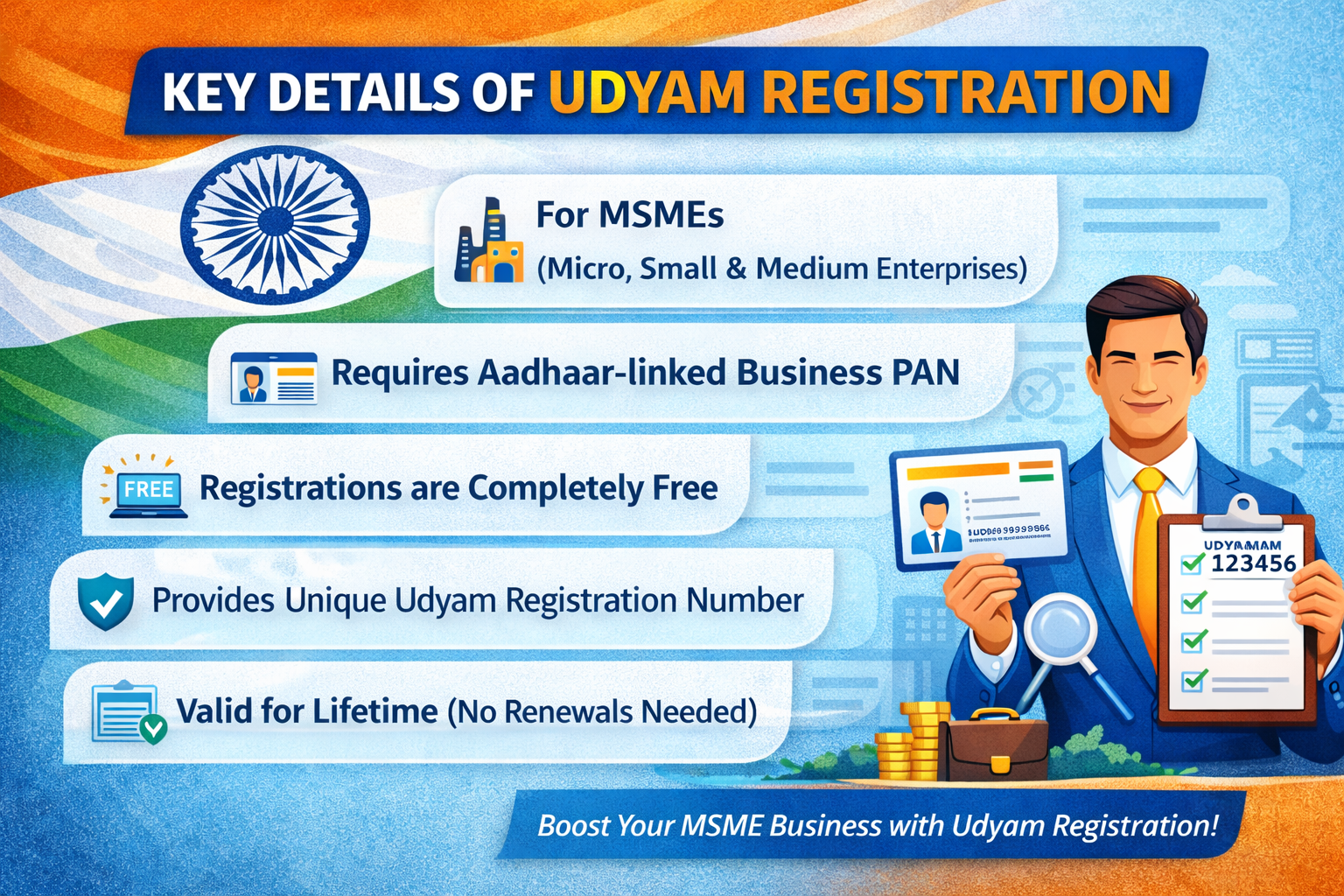
Common Problems While Downloading MSME Certificate
Even though the process is simple, some users face issues. Here are common problems and solutions:
1. Forgot Udyam Registration Number
Use the “Forgot Udyam Number” option on the portal. Enter your registered mobile number to retrieve it.
2. OTP Not Received
Ensure that:
-
Your mobile number is active
-
Network connectivity is stable
-
DND settings are not blocking messages
If the issue persists, wait a few minutes and retry.
3. Incorrect Details Showing
If your certificate shows incorrect business details, you must update your Udyam registration before downloading the revised certificate.
How Long Does It Take to Download the Certificate?
The process usually takes less than 5 minutes, provided:
-
Your Udyam number is correct
-
Mobile number is active
-
OTP verification works smoothly
There is no fee for downloading the certificate from the official portal.
When Should You Download MSME Registration Certificate?
You should download your certificate in the following situations:
-
After successful registration approval
-
When applying for a loan or overdraft facility
-
During government tender submissions
-
When updating vendor records
-
For annual documentation and compliance
Keeping both digital and printed copies is recommended for business continuity.
Benefits of Keeping a Soft Copy of MSME Certificate
Having a digital version of your certificate provides several advantages:
1. Easy Sharing
You can instantly share the PDF with banks, government authorities, or clients.
2. Faster Loan Processing
Financial institutions prefer digital documentation for faster verification.
3. Avoid Repeated Login
Once downloaded, you don’t need to revisit the portal every time.
4. Backup Security
Store the file securely in cloud storage or encrypted folders.
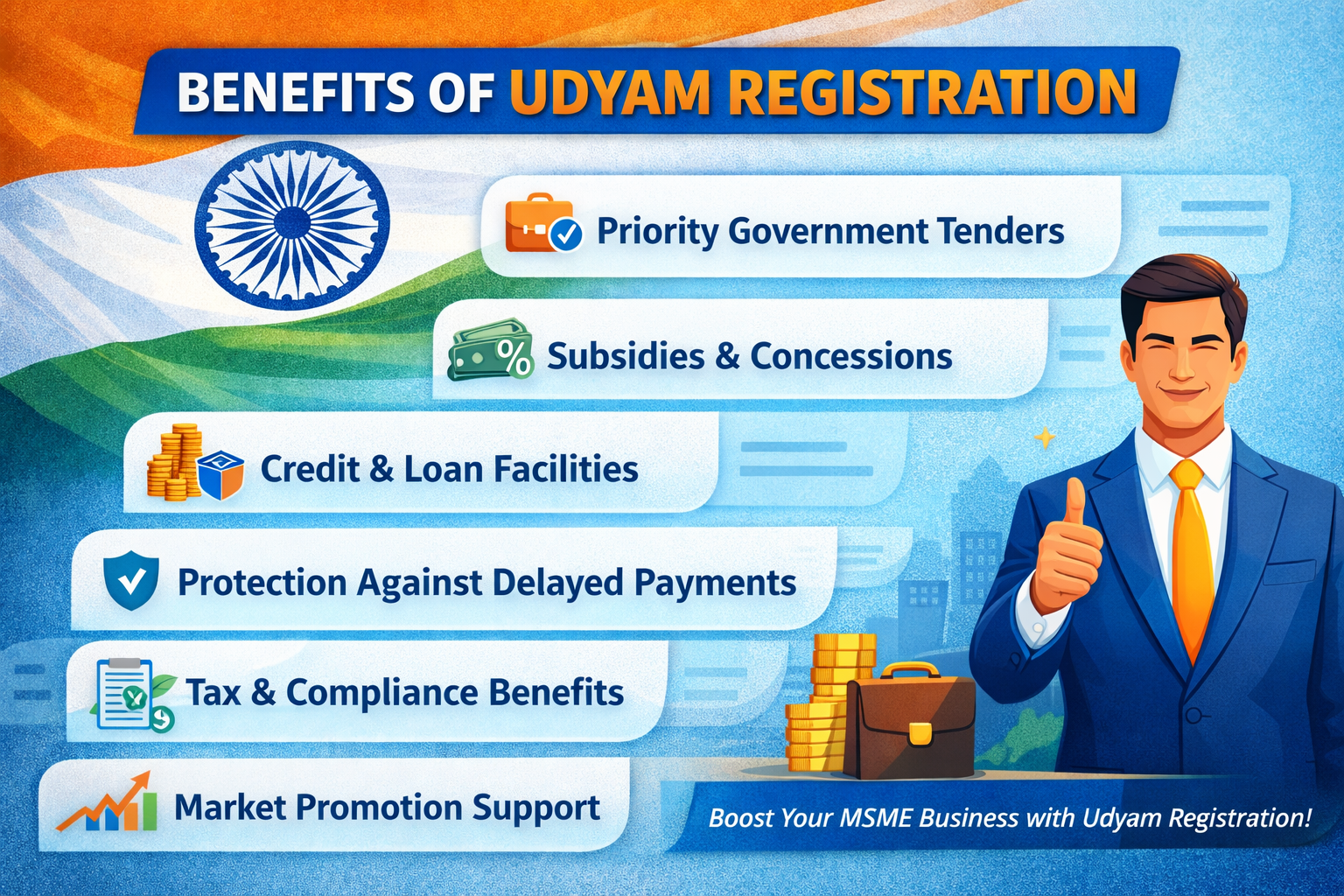
Tips to Avoid Future Issues
To ensure smooth access in the future:
-
Save your Udyam Registration Number in multiple secure places
-
Keep your registered mobile number active
-
Regularly update business information on the portal
-
Maintain a digital backup in Google Drive or secure storage
These simple precautions can save time during urgent situations.
Can You Download MSME Certificate Without Udyam Number?
No. The Udyam Registration Number is mandatory for downloading the certificate. If you have misplaced it, you must first retrieve it through the official portal before proceeding.
Is There Any Fee to Download MSME Registration Certificate?
No. The Government portal does not charge any fee for downloading or printing your certificate.
Be cautious of third-party websites that claim to charge for certificate downloads.
Why Choose a Professional Assistance Platform?
While the official process is straightforward, some business owners prefer guided assistance to avoid mistakes or delays. Platforms like Instant Udyam help MSMEs with:
-
Certificate retrieval
-
Data correction
-
Registration updates
-
Compliance support
This ensures zero errors and smooth documentation for loans and government benefits.
Final Thoughts
Downloading your MSME certificate is a quick and essential task that every registered business owner should know how to perform. Whether you need it for loan processing, tenders, or documentation, the process is entirely online and free.
By following the steps outlined above, you can easily Download MSME Registration Certificate within minutes. Always verify your details after downloading and maintain both digital and printed copies for future use.
If you encounter issues such as forgotten registration numbers or incorrect data, resolve them immediately to avoid compliance delays.
Your MSME certificate is not just a document—it represents your enterprise’s official recognition and eligibility for multiple government benefits. Keep it safe, updated, and accessible at all times.