
How to Download Udyam Aadhar Certificate
If you already registered your business as an MSME, the next step is simple. You need to download your Udyam certificate and keep it safe. Many people complete the registration but later get confused when they want the PDF copy. Some forget their Udyam number. Some do not get the OTP. Some even open fake websites and waste time.
This guide will solve that problem in easy English.
The good part is that the Udyam process is online, paperless, and free on the official government portal. The government portal also says that the certificate is issued online after registration, and the site warns users to avoid fake portals or consultants asking for money.
What is the Udyam certificate?
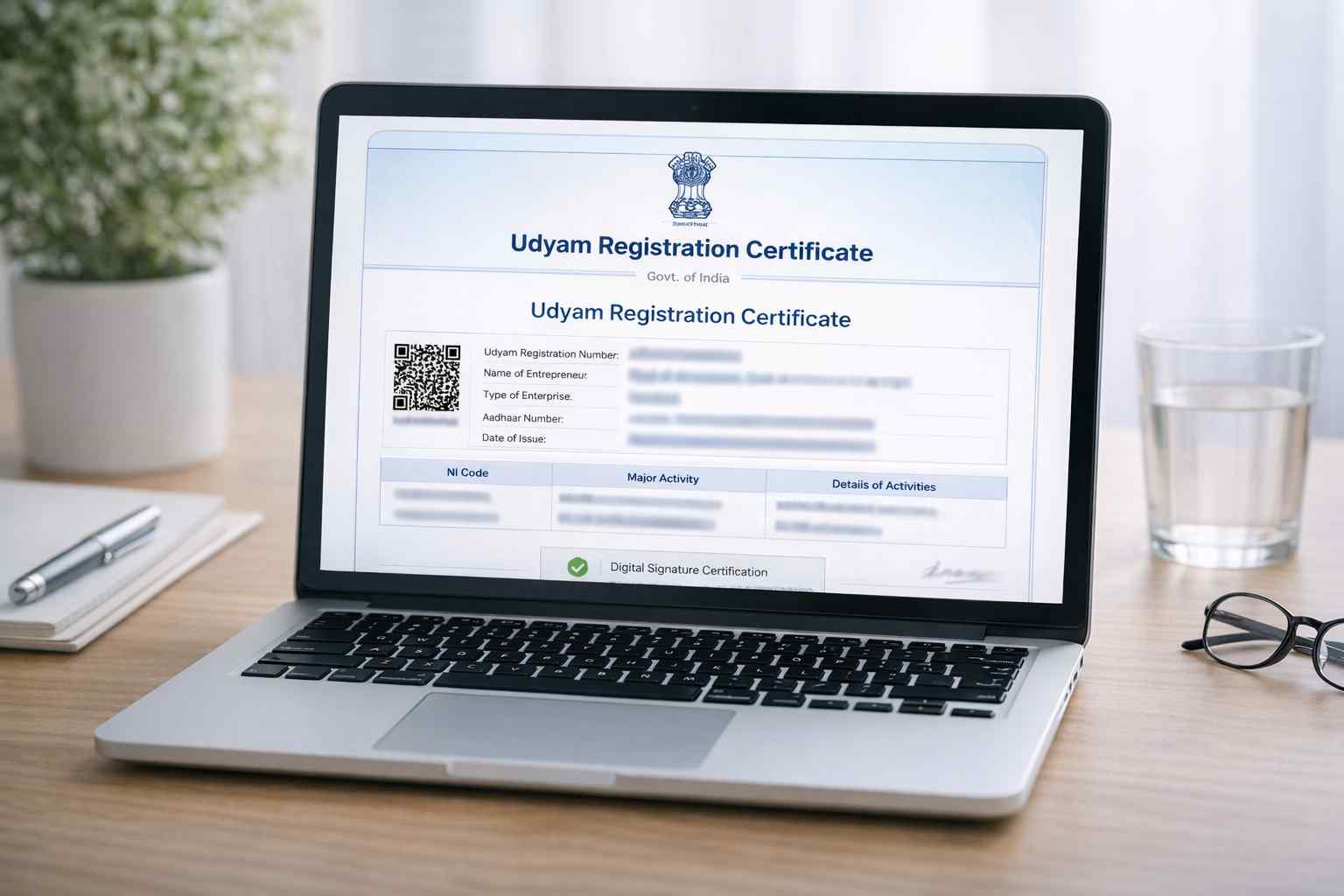
The Udyam Registration Certificate is the official MSME certificate given after successful Udyam registration. The official portal says a permanent Udyam Registration Number is given, and an e-certificate is issued after the process is completed.
This certificate is important because it helps an MSME show its registration proof when applying for schemes, subsidies, credit, and other business benefits. The MSME FAQ also says Udyam registration helps enterprises access government schemes, priority sector lending, and other incentives.
Also, one important thing: Udyog Aadhaar is the older system, while Udyam Registration is the current system. The official FAQ says existing MSMEs with UAM or EM-II need to move to Udyam to keep getting government scheme benefits.
How to download Udyam Aadhar certificate PDF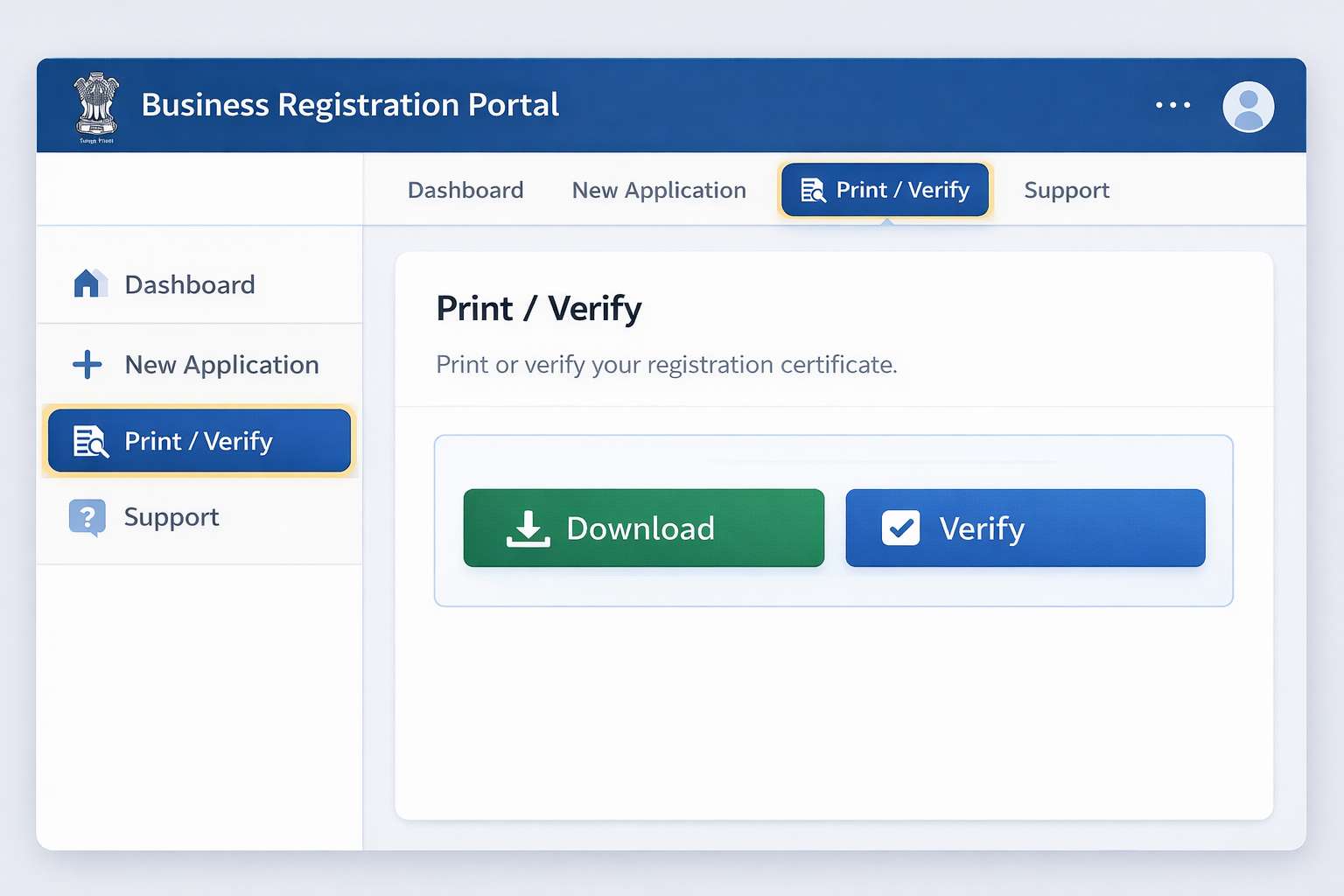
Now let us come to the main point: how to download udyam aadhar certificate pdf.
Step 1: Open the official Udyam portal
Go only to the official government Udyam portal. The government clearly says this is the only official portal and warns people to stay away from fake websites and private agents charging money.
Step 2: Click on “Print / Verify”
On the portal menu, you will see Print / Verify. Under that section, there is an option called Print Udyam Certificate. The same official portal menu also shows Forgot Udyam/UAM No. if you do not remember your number.
Step 3: Enter your Udyam Registration Number
The official Udyami Login page asks for your 19-digit Udyam Registration Number. It also shows the format clearly: UDYAM-XX-00-0000000.
So, if you are asking how can i download udyam certificate, this is the first detail you need.
Step 4: Enter your registered mobile number
The official login page asks for the mobile number that was filled in the original application form. Make sure you use the same number.
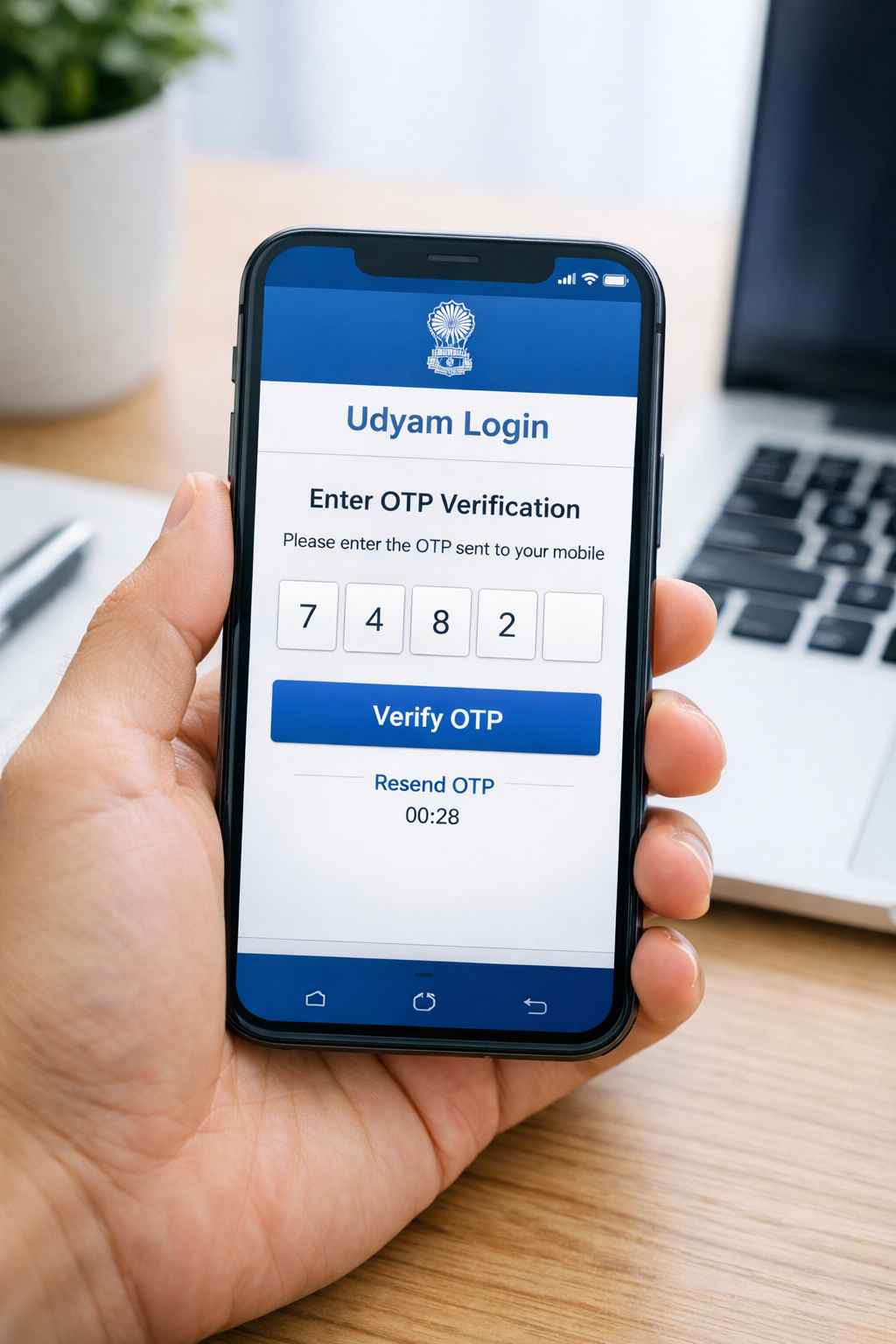
Step 5: Choose OTP option
The portal gives OTP options for verification. On the official login page, you can choose OTP on the registered mobile number or on the registered email.
Step 6: Generate OTP and log in
The official instructions say to click Validate & Generate OTP, receive the OTP on the selected option, enter the OTP, and then click Validate OTP & Login.
Step 7: Open and save your certificate
After login, open your certificate and use the print option in your browser or device. Then choose Save as PDF if you want the soft copy on your phone or laptop.
That is the simple answer to how to download udyam aadhar certificate.
How can I download Udyam certificate if I forgot my number?
This is a very common problem, and the official portal already has a solution.
If you forgot your Udyam number, open Forgot Udyam/UAM No. on the official portal. Then:
- Choose the registration option
- Choose OTP option as mobile or email
- Enter your registered mobile number or email
- Click Validate & Generate OTP
- Enter the OTP
- After successful OTP verification, you will get your registered number details
So, if someone asks how can i download udyam certificate without remembering the number, the answer is simple: first recover the number from the official portal, then log in and print the certificate.
How to download Udyog Aadhar certificate
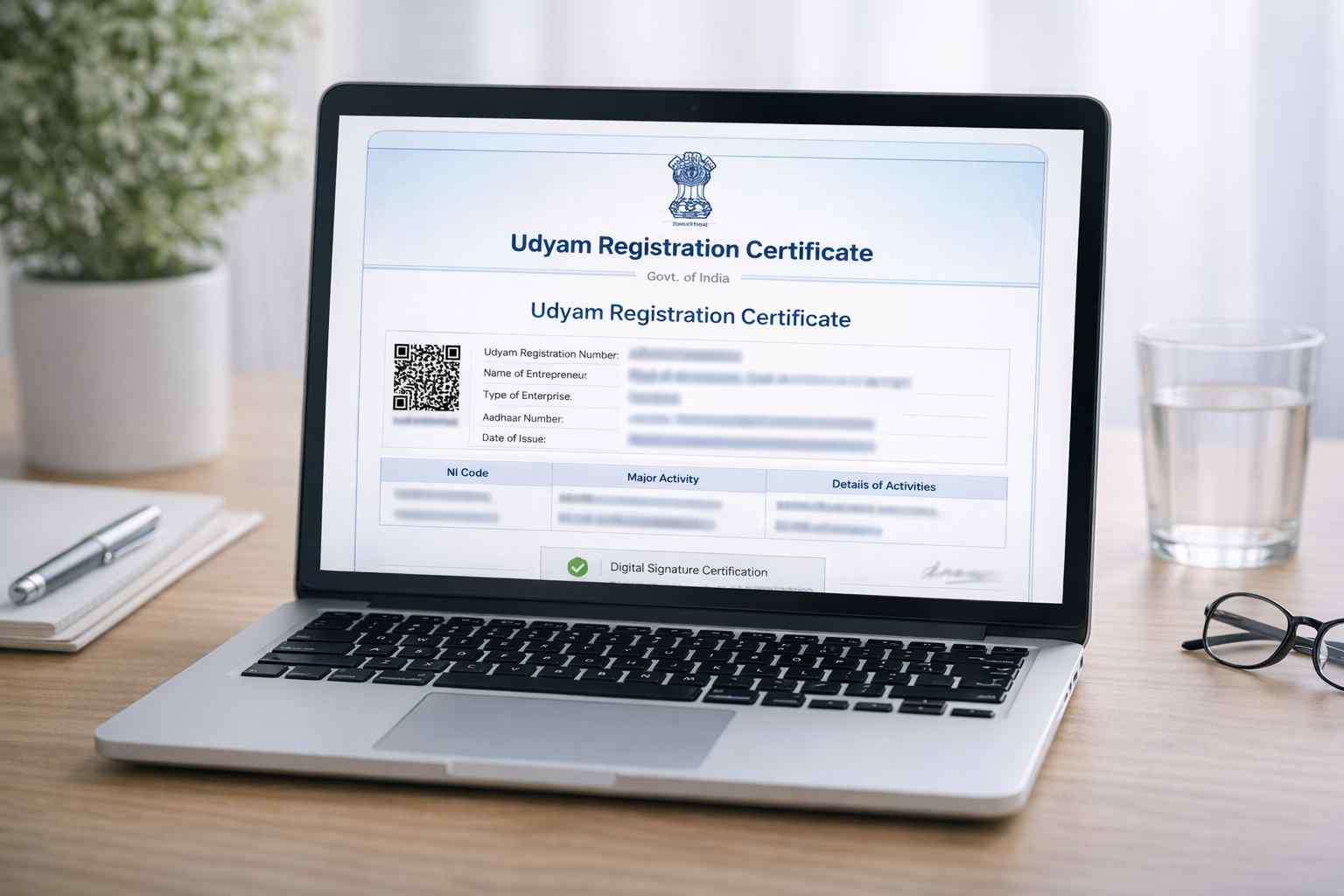
Many people still search for how to download udyog aadhar certificate because they know the old name better.
The official portal still shows old UAM-related options such as Print UAM Certificate, Print UAM Application, and Verify Udyog Aadhaar in the Print / Verify section. At the same time, the official FAQ says existing UAM and EM-II businesses should migrate to Udyam to continue getting government benefits.
So the simple answer is:
- If you need the old record, use the old UAM-related option on the portal.
If you want the current MSME certificate and benefits, move to Udyam and use the Udyam login process.
Common problems while downloading the certificate
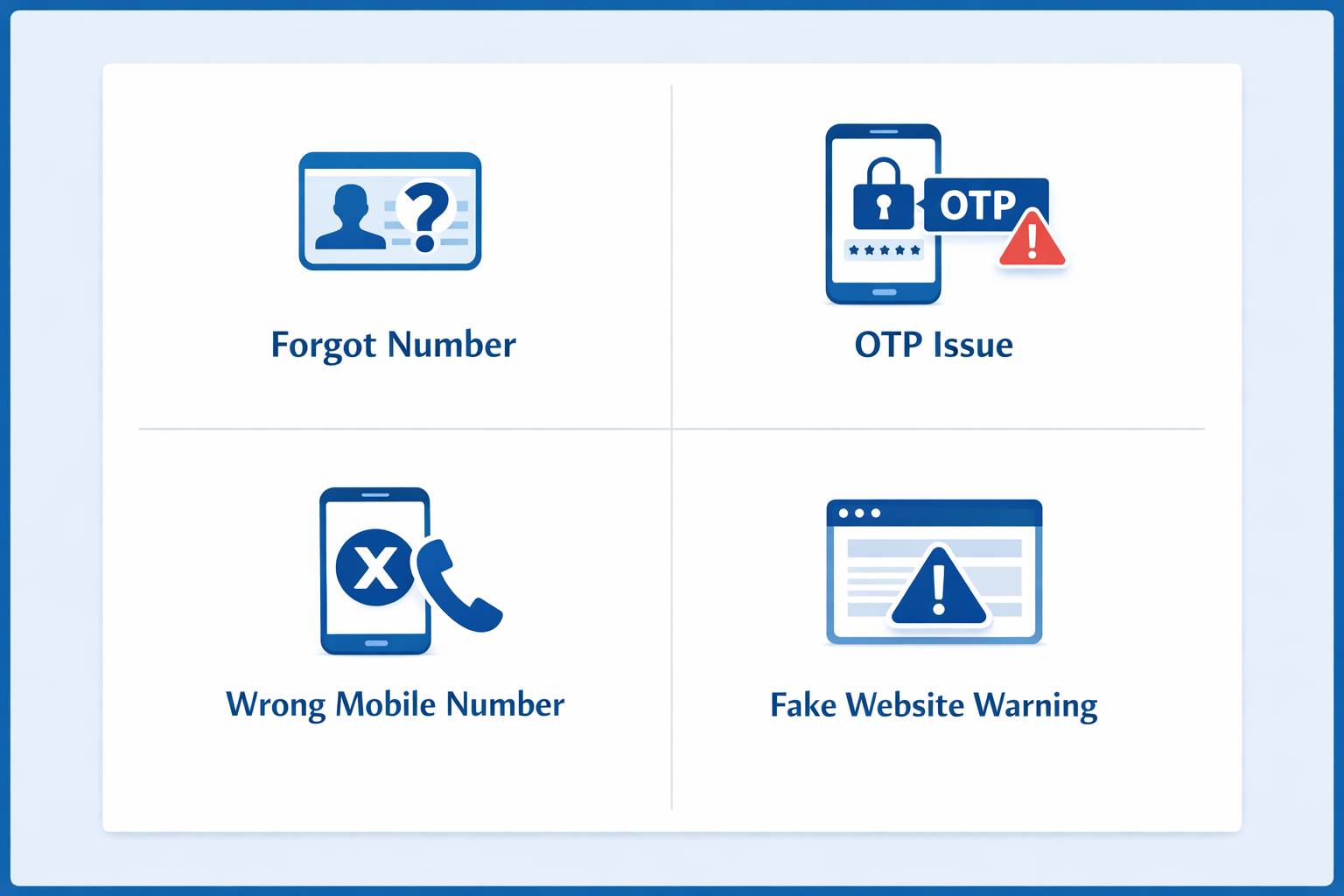
1. OTP not coming
Use the same mobile number or email that was used in the application. The official portal sends OTP only to the selected registered option.
2. Forgot Udyam number
Use the Forgot Udyam/UAM No. option and recover it by OTP.
3. Entering the wrong number format
The official portal asks for a 19-digit Udyam number in the proper format. If the format is wrong, login may fail.
4. Using a fake website
This is a big mistake. The official portal clearly says Udyam registration is free and warns that no private online or offline agency is authorized to charge a fee for this work.
Important tips before you download
Use these simple tips:
- Always use the official government portal only.
- Udyam registration is free of cost.
- The process is paperless and does not require document upload for registration.
- The certificate is issued online after successful registration.
- If you forget your number, recover it first using OTP.
Quick FAQ
Is there any fee to download or get the Udyam certificate?
No. The official portal and MSME FAQ both say Udyam registration is free.
How long does it take to receive the certificate?
The MSME FAQ says the Udyam Registration Certificate is issued instantly after successful submission and can be downloaded online.
Can I download the certificate using email OTP?
Yes. The official login page shows OTP on registered mobile or registered email.
Is Udyam certificate and Udyog Aadhaar certificate the same?
Udyog Aadhaar is the old system. Udyam is the new MSME system. If you still use UAM, you should move to Udyam to get benefits.
Final words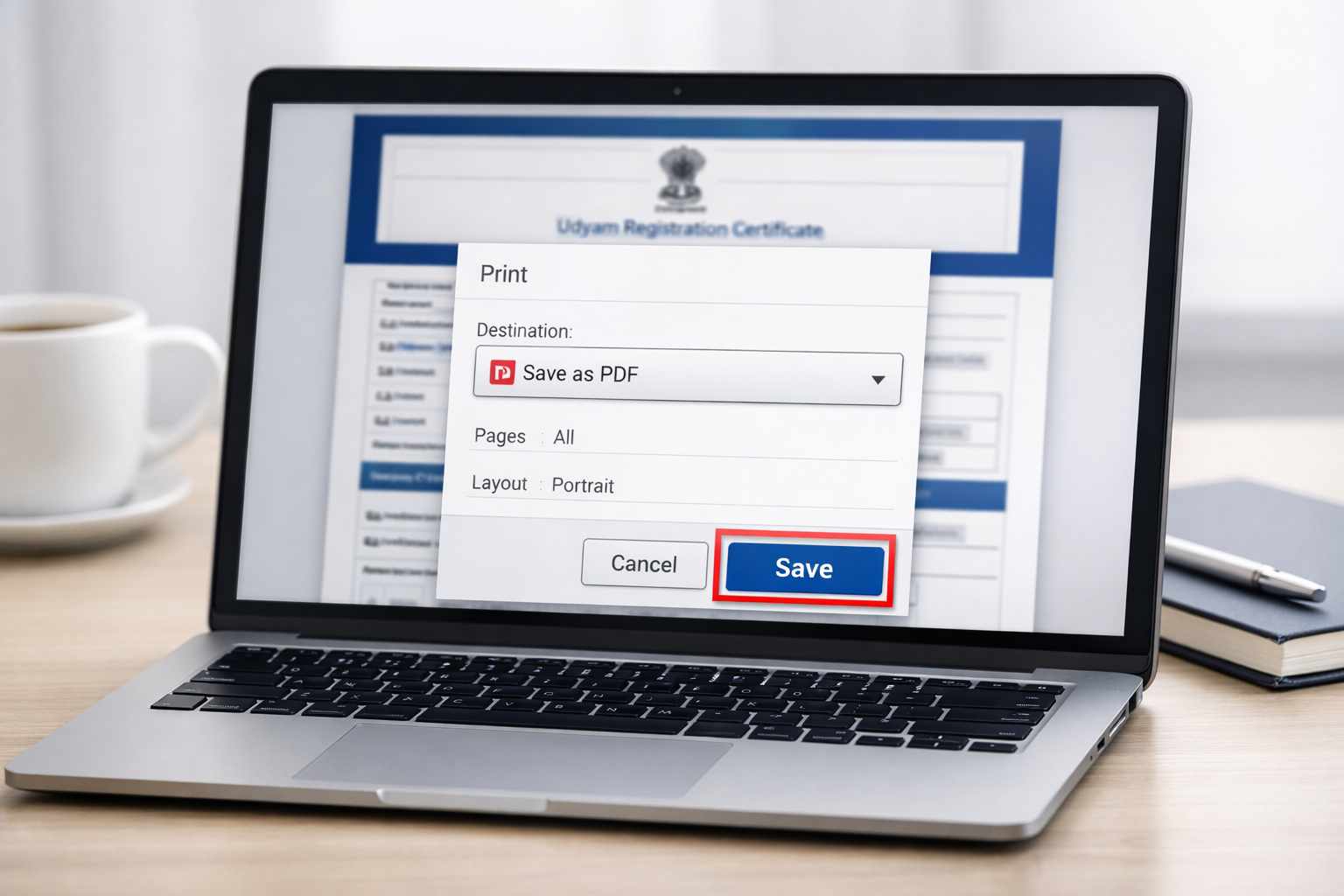
If you were confused about how to download udyam aadhar certificate, the process is actually very easy. Go to the official website, open Print / Verify, enter your Udyam number, verify with OTP, and download the certificate PDF.If you forgot the number, recover it first from the Forgot Udyam/UAM No. option.
That’s it. No agent is needed. No extra fee is needed. Just use the official government website and follow the simple steps.