
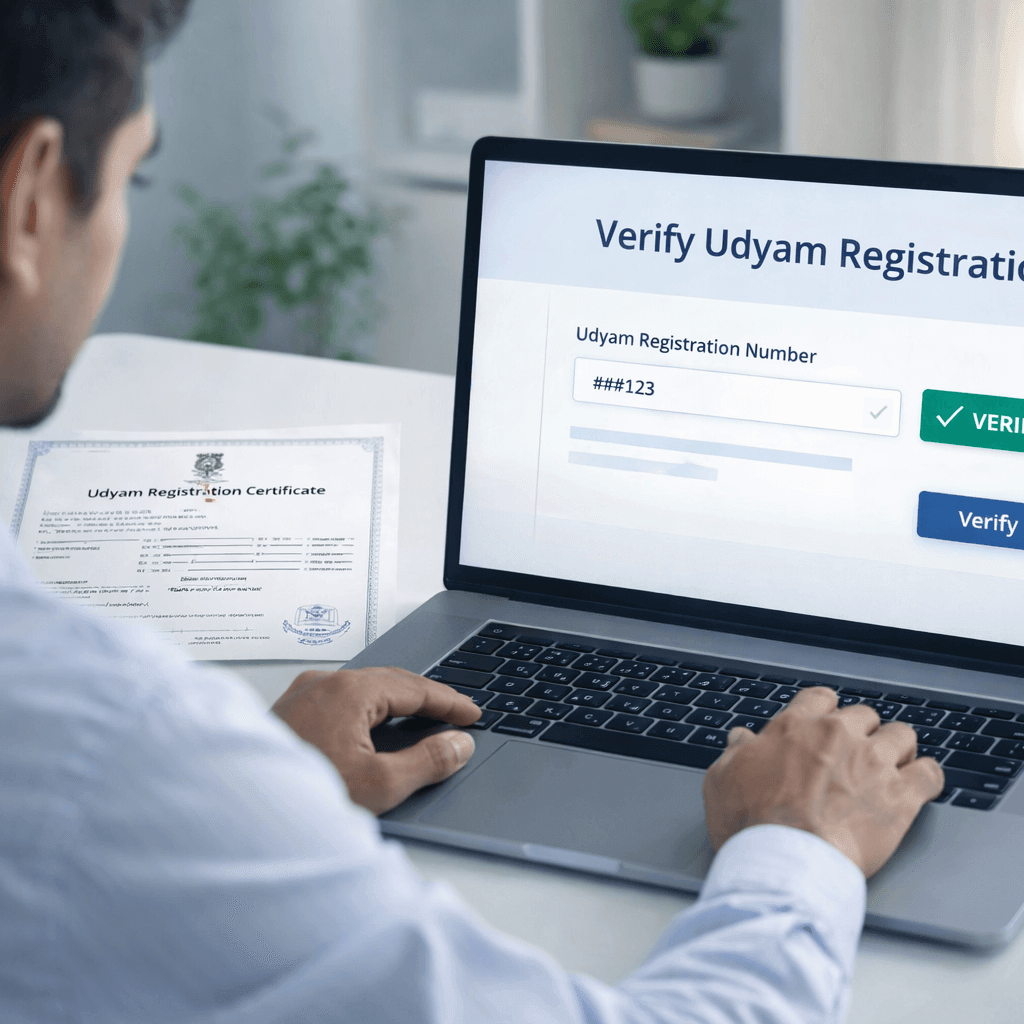
How to Verify Udyam Registration Online: Check Your Certificate and Registration Number

Udyam registration verify online is easy on the official portal. You can check your certificate and registration number in a few simple steps. This guide shows you how to verify your details, recover your number, and avoid common mistakes.
The official Udyam portal makes the process simple. You can verify your certificate, check your registration number, and search MSME details online. It also says Udyam registration is free and warns users not to trust private or unofficial websites.
You will also learn how to complete an udyam registration certificate verify and an udyam registration number check online without confusion.
Why You Should Verify Your Udyam Registration

A lot of business owners register once and forget about it. That is sloppy.
You should verify your Udyam details because:
- buyers and vendors may want to confirm your certificate is genuine
- you may need the correct registration number for subsidies, schemes, or tenders
- old records, print copies, or shared PDFs may contain outdated details
- fake or unofficial certificates are a real risk if someone used the wrong portal
The official Udyam portal includes dedicated sections for Print / Verify, including options to print the Udyam certificate, verify the Udyam registration number, and search registration details.
What You Need Before You Start

Before you begin the udyam registration verify online process, keep these details ready:
your Udyam Registration Number
- the mobile number linked to the application, if needed
- the email ID used during registration, if applicable
- a copy of the certificate, if you want to cross-check details
- internet access and the correct government portal
Do not overcomplicate this. Most people only need the registration number or certificate details and the official site.
Udyam Registration Verify Online Step by Step

Here is the cleanest process.
Step 1: Open the official Udyam Registration portal
Go to the government’s Udyam Registration website. The portal clearly states that it is the official website for MSME registration and that registration is free of cost.
Step 2: Find the Print / Verify section
On the portal, look for the Print / Verify menu. The site highlights options such as:
- Print Udyam Certificate
- Verify Udyam Registration Number
- Forgot Udyam/UAM No.
These options are publicly listed on the official portal.
Step 3: Choose the right verification option
This is where most people mess up.
Use the correct path based on what you need:
- want to confirm the registration exists? Use Verify Udyam Registration Number
- want to match the certificate with portal data? Use Print Udyam Certificate or certificate verification options
- forgot the number? Use the Forgot Udyam/UAM No. option
- want to search a business unit? Use the Search MSME Units page
The official portal exposes separate pages for verification, printing, and search.
Step 4: Enter your details carefully
Now fill in the asked details exactly as recorded during registration. A small typo can make you think the registration is invalid when the real problem is your input.
Usually, people enter:
- Udyam registration number
- OTP or linked contact details, where needed
- certificate-related data for print or verification
Step 5: Complete OTP or security check
Some actions, especially printing or recovering details, may require verification through OTP. That is normal. It protects your business record from misuse.
Step 6: Review the result on screen
Once submitted, the portal should show the registration status or business details. Check the core fields:
- enterprise name
- registration number
- category of enterprise
- date of registration
- business details shown on the portal
If those details match your certificate, your udyam registration certificate verify step is done.
How to Check Your Udyam Certificate
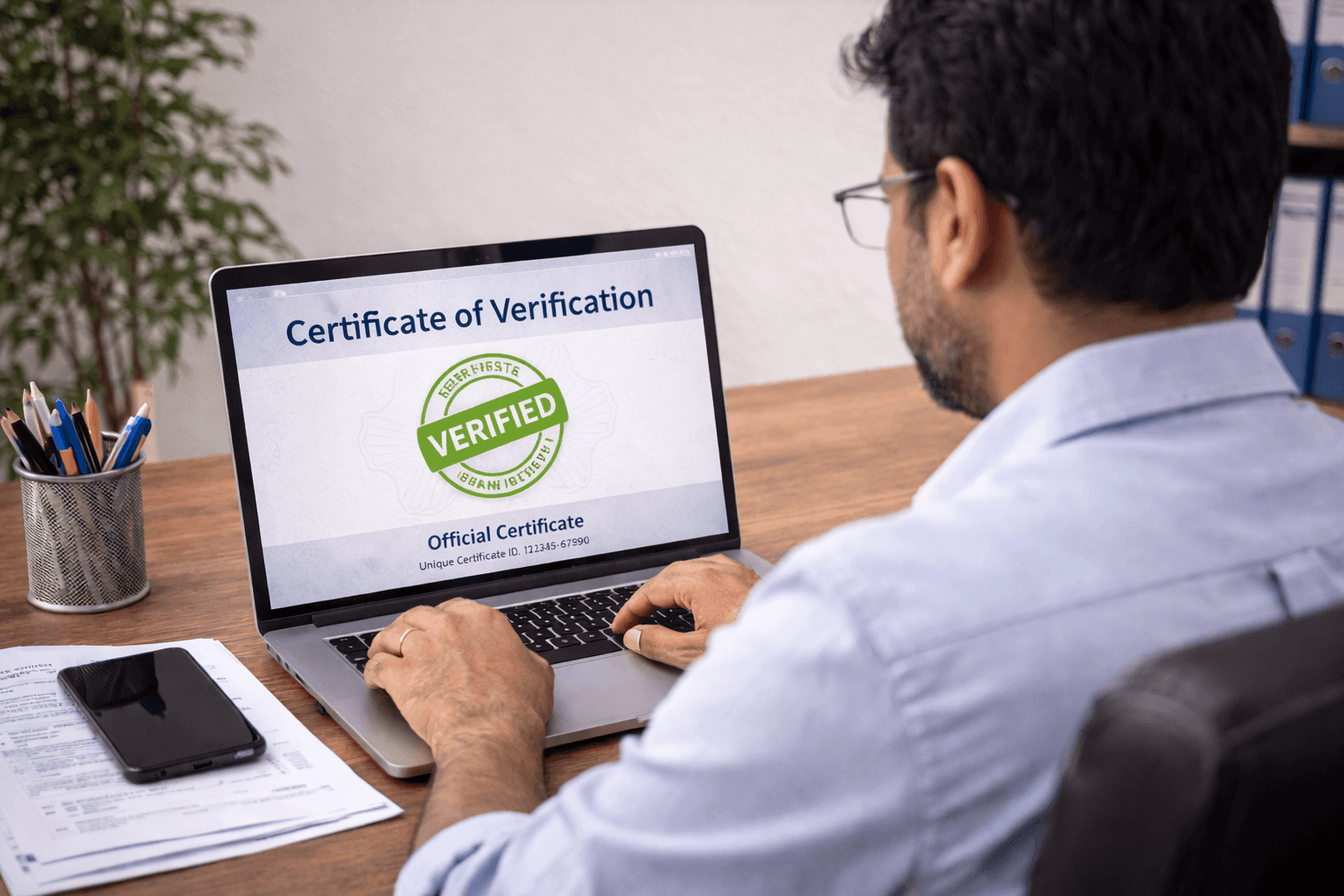
If someone has shared a certificate PDF with you, do not trust the document blindly. Match it against the official portal.
Use this simple method:
open the official portal
- go to the Print / Verify section
- choose the certificate-related option
- enter the required details
- compare the portal result with the certificate copy
The official portal also has a barcode/QR verification page for Udyam registration. That adds another layer of confidence when checking whether a certificate is authentic.
What should match on the certificate
During your udyam registration certificate check, verify these fields:
enterprise name
- Udyam number
- owner or applicant details
- address
- date of issue
- classification details
If the portal and certificate do not match, stop there. Do not use that certificate for loans, onboarding, or compliance work until you confirm the issue.
Udyam Registration Number Check Online
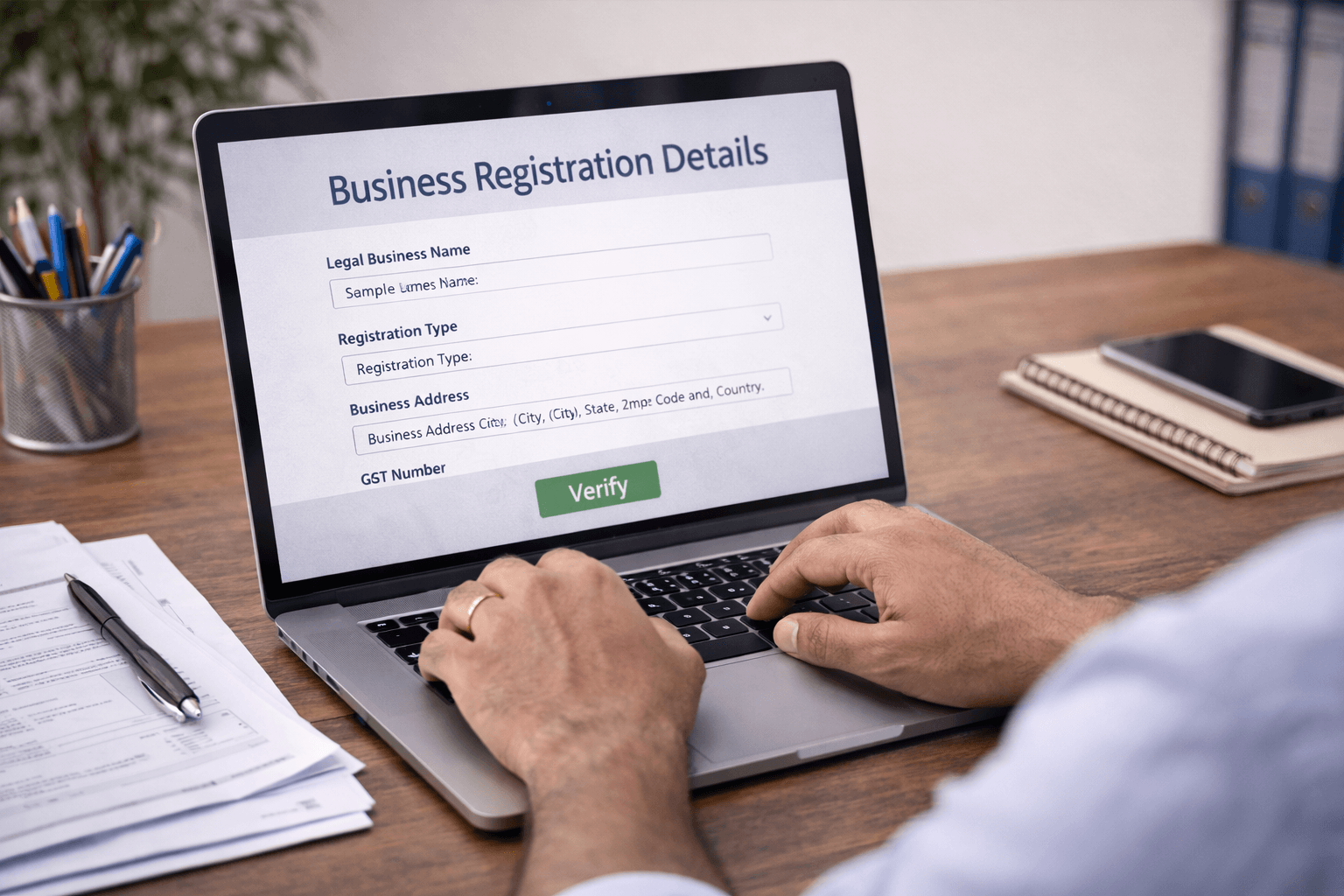
Sometimes the biggest problem is simple: you do not have the number.
That is where udyam registration number check online becomes useful.
On the official portal, there is a Forgot Udyam/UAM No. option, which helps users recover or locate their registration number through the
official system. The site also offers a Search MSME Units feature that can help surface unit details.
When to use this option
Use the number check feature when:
you lost your certificate
- your records are old
- you migrated from older MSME/UAM data
- a bank or buyer asks for the exact registration number
- your accountant saved the wrong document
This is the practical route for udyam registration check online when the certificate is missing but the business is already registered.
Common Problems During Verification
Here are the usual issues and the blunt truth behind them:
1. You are using the wrong website
This is the biggest mistake. The official portal itself says that private websites and agents are not authorized to carry out MSME registration activities on behalf of the government portal.
2. You entered the wrong registration number
One wrong character is enough to fail the search.
3. The certificate is old or reprinted
Always compare current portal data, not just a saved PDF from months ago.
4. You forgot the linked mobile or email
Use the recovery option on the portal.
5. You are mixing UAM with Udyam
The portal still shows separate options for some legacy UAM-related actions, so make sure you choose the correct path.
Best practices before sharing your certificate with banks or clients
Before sending your certificate to anyone:
- run a fresh udyam registration verify
- confirm the number is correct
- check that the enterprise name matches your current records
- download or print a fresh certificate from the official portal
- keep a PDF copy in your compliance folder
This takes five minutes and saves you from avoidable embarrassment.
Final thoughts
If you want the safest way to verify Udyam registration online, keep it simple: use the official government portal, choose the correct verify or print option, enter the right details, and match the result with your certificate.
That is the entire game.
Do not trust random third-party websites. Do not assume an old certificate is automatically valid. And do not wait until a bank rejects your document to discover a mismatch.
Whether you need an udyam registration certificate verify, an udyam registration number check, or a full udyam registration check online, the official MSME portal already gives you the tools to do it properly.